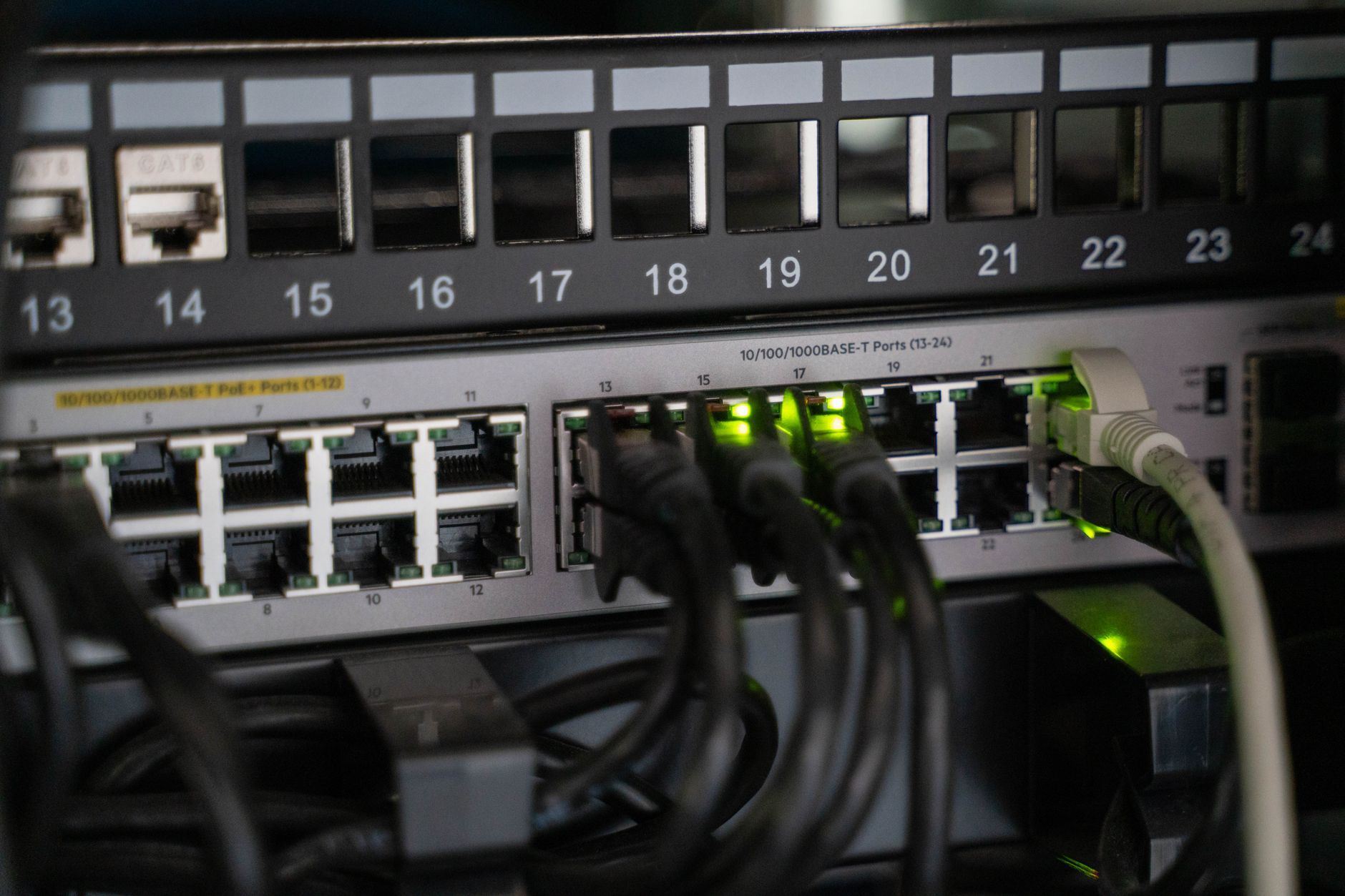
Pi-hole is a DNS sinkhole that runs on a Linux-based device - most commonly a Raspberry Pi - and intercepts domain name resolution requests before they reach the internet. When a device on your network tries to load an ad server or a known tracker domain, Pi-hole matches that request against a blocklist and returns a null response instead of the real IP address. The ad or tracker never loads because the connection is never established.
Unlike browser extensions such as uBlock Origin, which operate at the application layer on a single device, Pi-hole works at the network level. Every device that uses your router’s DNS - phones, smart TVs, game consoles, IoT sensors - gets the same filtering applied automatically, without any software installed on the device itself.
How Pi-hole Handles DNS Resolution
When a client device makes a DNS query, it normally sends that request to the DNS server configured on the router, which forwards it to an upstream resolver like Google’s 8.8.8.8 or Cloudflare’s 1.1.1.1. Pi-hole inserts itself into that chain. You configure your router to hand out Pi-hole’s local IP address as the DNS server via DHCP, so all connected devices send their DNS queries to Pi-hole first.
Pi-hole then checks the queried domain against its blocklists. If the domain appears on a list, Pi-hole responds with 0.0.0.0 (for IPv4) or :: (for IPv6), effectively telling the requesting device that the domain doesn’t exist. If the domain is not blocked, Pi-hole forwards the query to a configured upstream resolver and caches the legitimate response. The caching behavior also slightly reduces average DNS lookup times for frequently visited domains.
The software ships with a default blocklist from the StevenBlack unified hosts project, which merges several curated sources covering advertising domains, malware-associated domains, and known tracker infrastructure. Users can add additional lists, including more aggressive ones targeting telemetry endpoints for operating systems like Windows and Android. The admin dashboard, accessible via a local web interface, shows real-time query logs, per-client statistics, and the percentage of queries blocked over any given time window.
What Pi-hole Actually Protects Against
Pi-hole is effective at blocking domains that serve display advertising, behavioral tracking pixels, and telemetry pings. Smart TVs from manufacturers like Samsung and LG routinely contact analytics endpoints to report viewing habits; many of those endpoints are listed in common Pi-hole blocklists. Similarly, mobile apps often phone home to third-party analytics services - Amplitude, Mixpanel, and Firebase Analytics are frequent entries in blocklists - and Pi-hole can cut those connections network-wide.
DNS-level blocking also intercepts certain categories of malware communication. Command-and-control infrastructure sometimes relies on hardcoded domain names, and if those domains appear in threat intelligence feeds formatted as Pi-hole-compatible blocklists - such as those maintained by abuse.ch - Pi-hole will prevent infected devices from reaching their controllers. This is not a replacement for endpoint security software, but it adds a filtering layer that operates independently of anything running on the endpoint itself.
The tool also exposes how much background traffic exists on a typical home network. A household with a few phones, a smart TV, and a couple of laptops will often show hundreds of DNS queries per hour, many to domains that serve no user-visible function. That visibility is itself useful: the query log will surface devices making unexpected external connections, which can indicate misconfigured software, aggressive telemetry, or occasionally something more concerning.
Installation, Configuration, and Limitations
Installing Pi-hole takes roughly ten minutes on a Raspberry Pi running Raspberry Pi OS. The project provides a one-line curl-to-bash installer, though users who prefer auditing the script before running it can clone the repository from GitHub and execute the install script directly. After installation, the setup wizard prompts for an upstream DNS provider, an interface to listen on, and whether to enable DHCP functionality. Pi-hole can optionally replace your router’s DHCP server entirely, which gives it finer control over per-device settings but adds a point of failure if the Pi-hole device goes offline.
Pi-hole has meaningful limitations that are worth understanding before deployment. It cannot block ads that are served from the same domain as the content itself - YouTube’s ads are the most common example, since they’re delivered from domains like googlevideo.com that also serve legitimate video content. Blocking those domains breaks playback entirely. Encrypted DNS protocols, specifically DNS-over-HTTPS (DoH), bypass Pi-hole when configured directly in a browser or application, because the DNS traffic goes to a remote HTTPS endpoint rather than through the local DNS server. Firefox enables DoH by default in some regions, routing queries to Cloudflare’s resolver and completely bypassing Pi-hole. Countering this requires either configuring the browser to use the system DNS or setting up a firewall rule to intercept and redirect outbound DoH traffic.
There is also the question of DNS-over-HTTPS at the router level. Some ISPs and router firmware options now support DoH natively, which would similarly route all DNS traffic around a local Pi-hole unless that traffic is explicitly redirected. Users who want Pi-hole to remain the authoritative DNS resolver on their network need to either disable DoH at the router or set up transparent DNS proxying using firewall rules - a task that requires familiarity with iptables or nftables on Linux-based routers. Pi-hole itself does support DNS-over-HTTPS upstream communication via a companion tool called cloudflared, which creates a local DoH proxy so Pi-hole can forward resolved queries over an encrypted channel to a public resolver.
Running Pi-hole With Unbound for Full Recursion
A common configuration pairs Pi-hole with Unbound, an open-source recursive DNS resolver. Instead of forwarding queries to a third-party upstream like Cloudflare or Google - both of which log query data - Unbound resolves domains directly by querying the authoritative name servers for each domain from the root down. This eliminates the upstream provider as a point of data collection.
Configuring this setup requires installing Unbound alongside Pi-hole, pointing Pi-hole’s upstream DNS to 127.0.0.1 on the port Unbound listens on (typically 5335), and adjusting Unbound’s configuration file to enable DNSSEC validation. DNSSEC verification adds a layer of integrity checking, confirming that DNS responses haven’t been tampered with in transit. The performance overhead is measurable - recursive resolution is slower than forwarding on the first query for a domain - but Unbound’s caching means that repeat queries for popular domains resolve locally at low latency.
The Pi-hole plus Unbound combination is documented in detail on the official Pi-hole documentation site. It requires no paid services and runs entirely on hardware that costs around $35 for a Raspberry Pi Zero 2 W, or on any low-power Linux machine that can stay online continuously. The only ongoing maintenance is periodic blocklist updates, which Pi-hole handles automatically on a configurable schedule.
Practical Deployment Considerations
Pi-hole introduces a single point of failure for DNS on the network. If the device running Pi-hole goes offline - due to a power loss, a failed SD card, or a software crash - every device on the network loses DNS resolution and effectively loses internet access. The standard mitigation is to run two Pi-hole instances and configure the router to hand out both IP addresses as DNS servers. The Pi-hole project supports a synchronization tool called Gravity Sync that keeps blocklists and configuration consistent between two nodes.
SD card failure is a real operational concern on Raspberry Pi hardware. The constant small writes involved in logging DNS queries wear out SD cards faster than typical use. Running Pi-hole from a USB SSD instead of a microSD card substantially extends hardware lifespan and improves read/write reliability. Some users move Pi-hole entirely onto a small x86 machine or run it as a Docker container on existing home server hardware, trading the low power draw of a Pi for fewer storage-related failure modes.
As of 2024, Pi-hole has logged over 10 billion queries in public telemetry data shared by the project, across several million deployments. The project remains actively maintained under an open-source license on GitHub, with version 6.0 introducing a rewritten core and a REST API for programmatic configuration - a change that replaced the previous PHP-based admin interface with a Go backend.